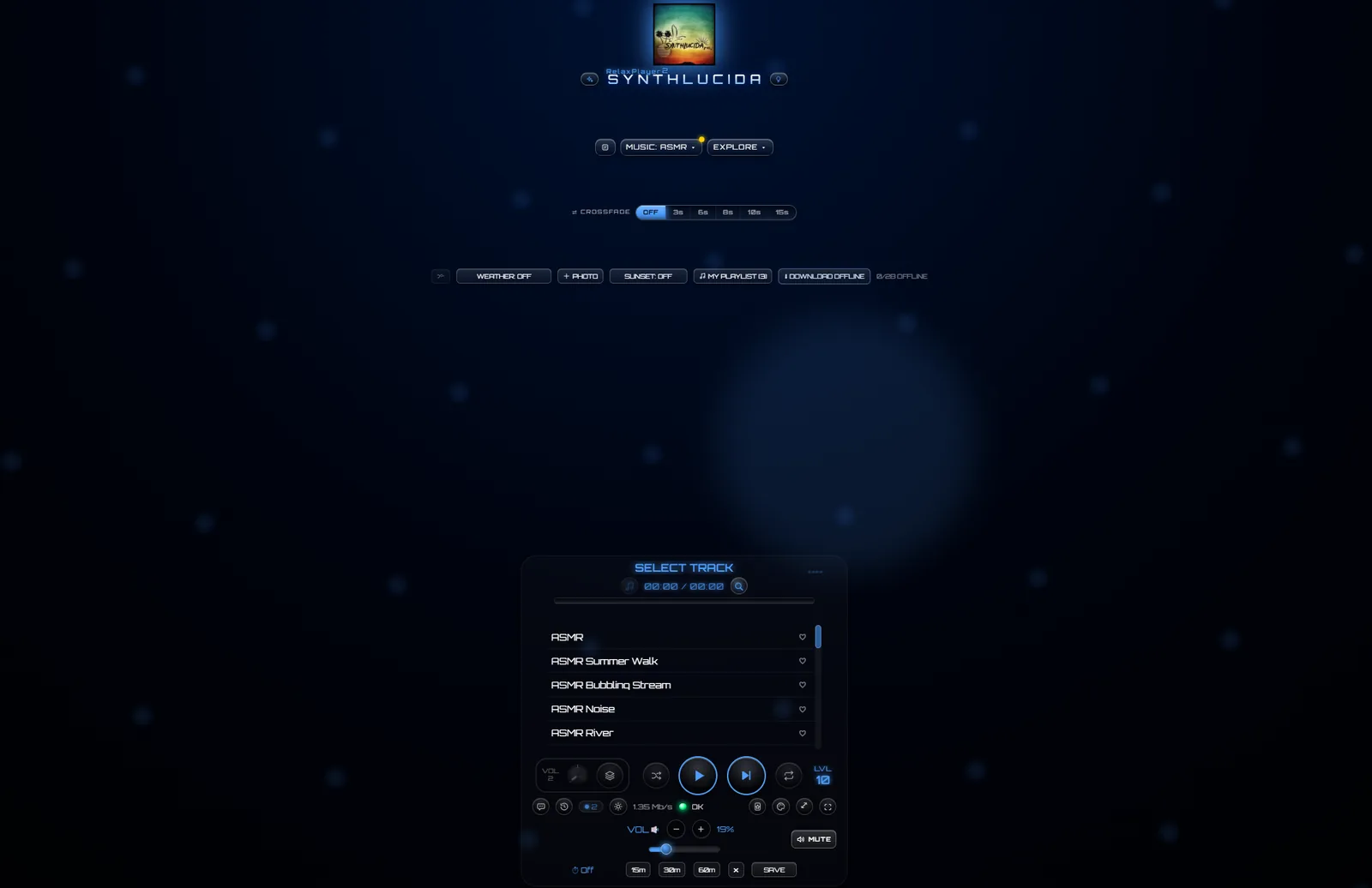
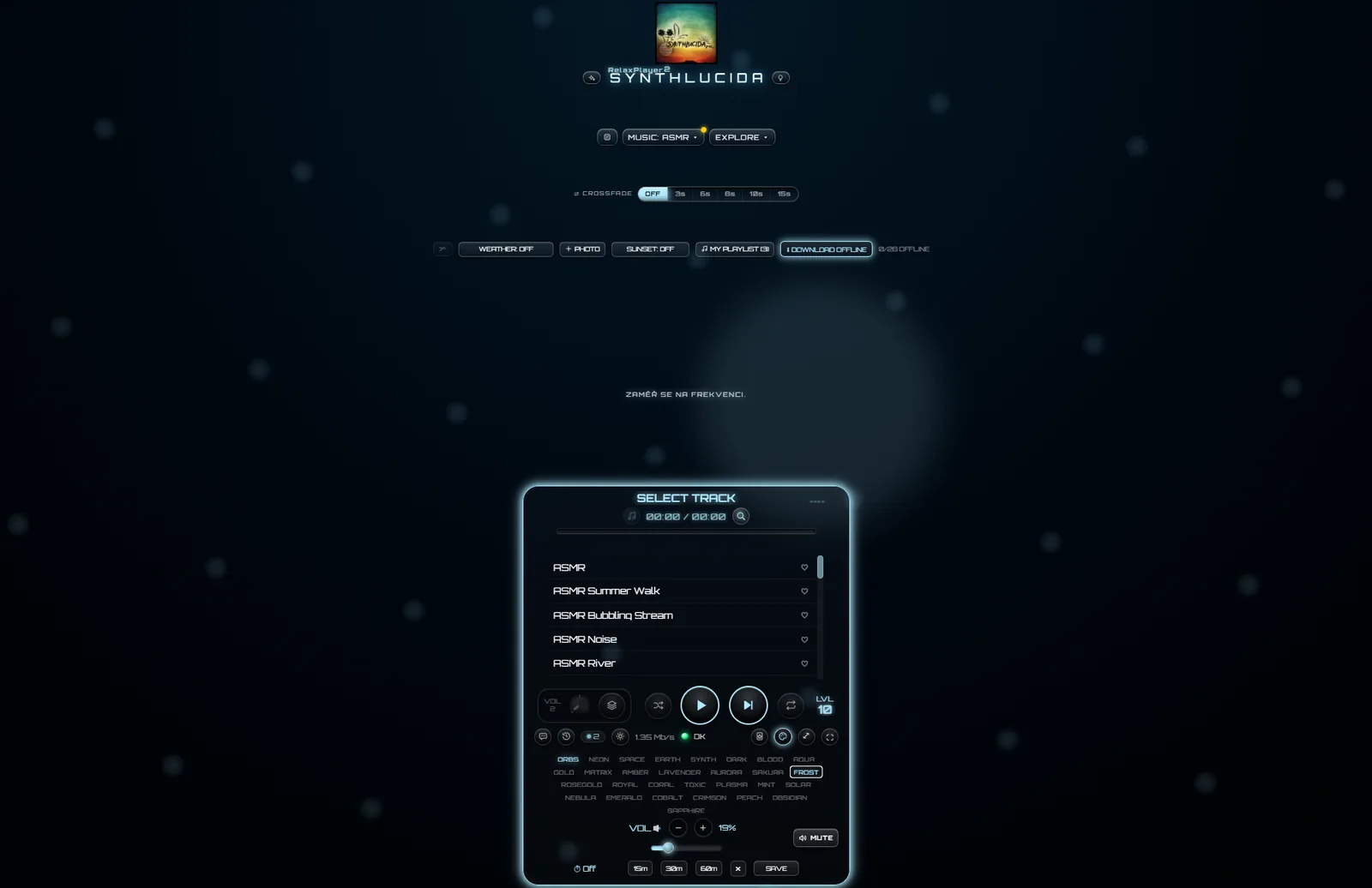
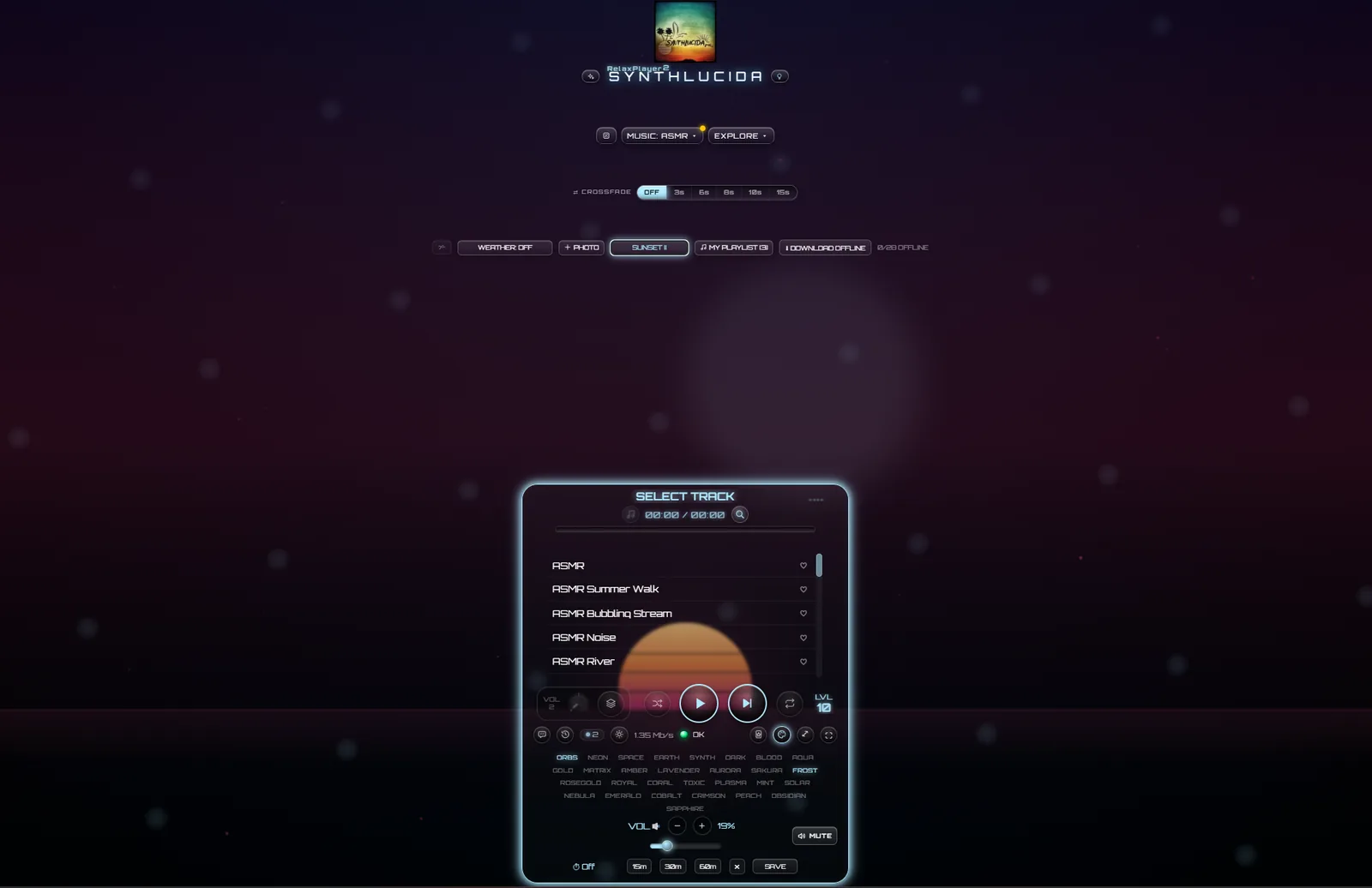
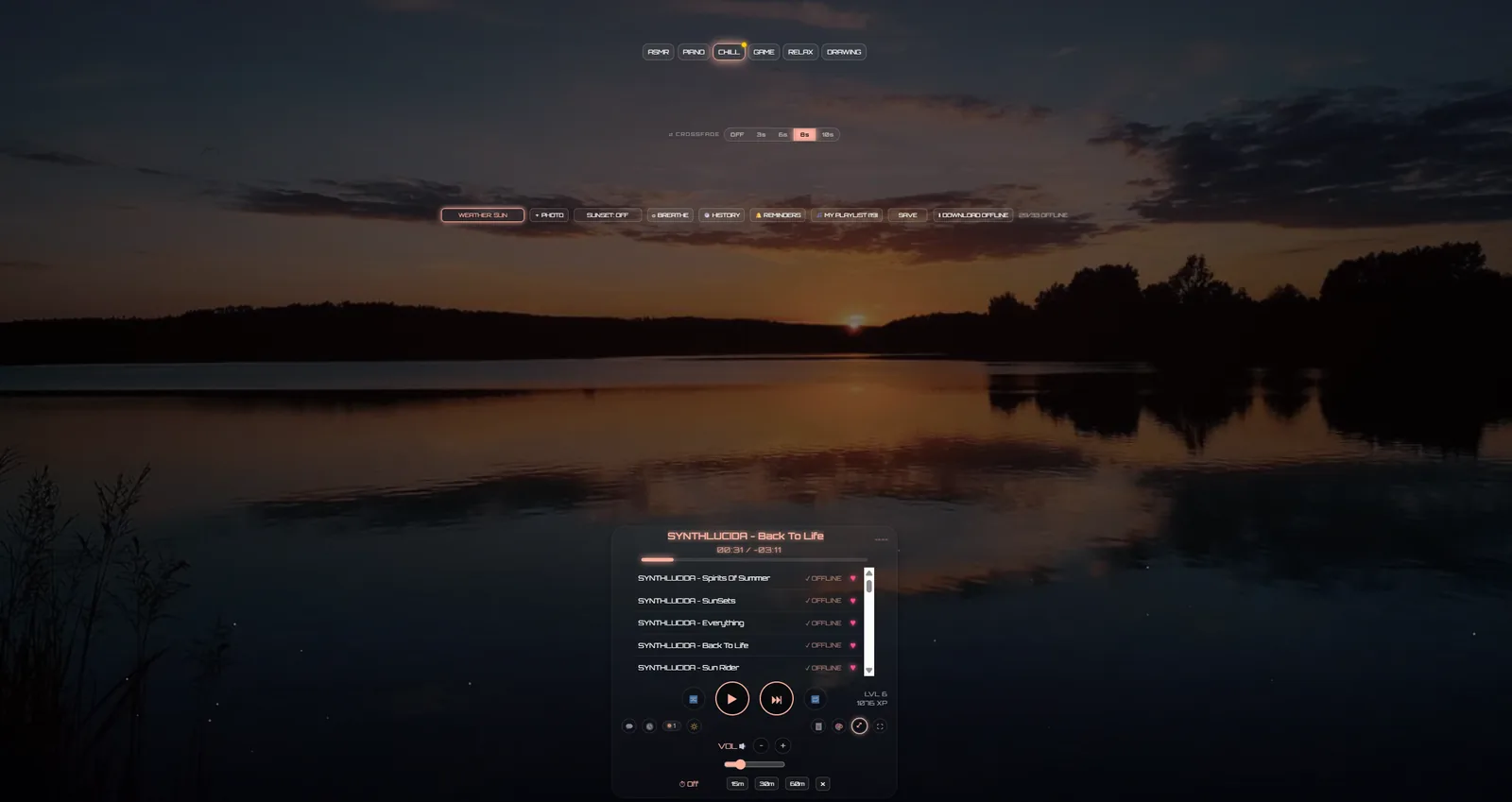
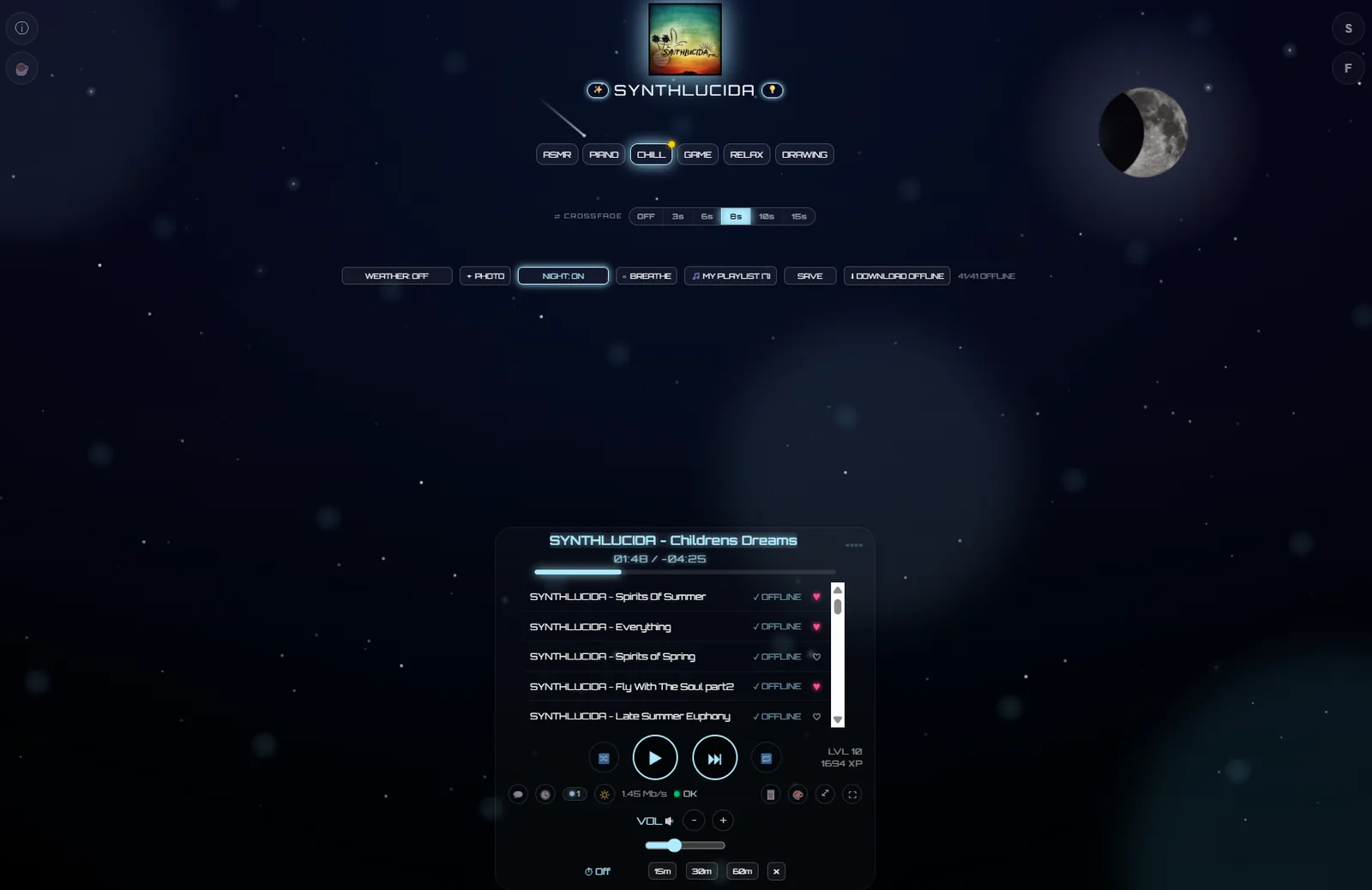
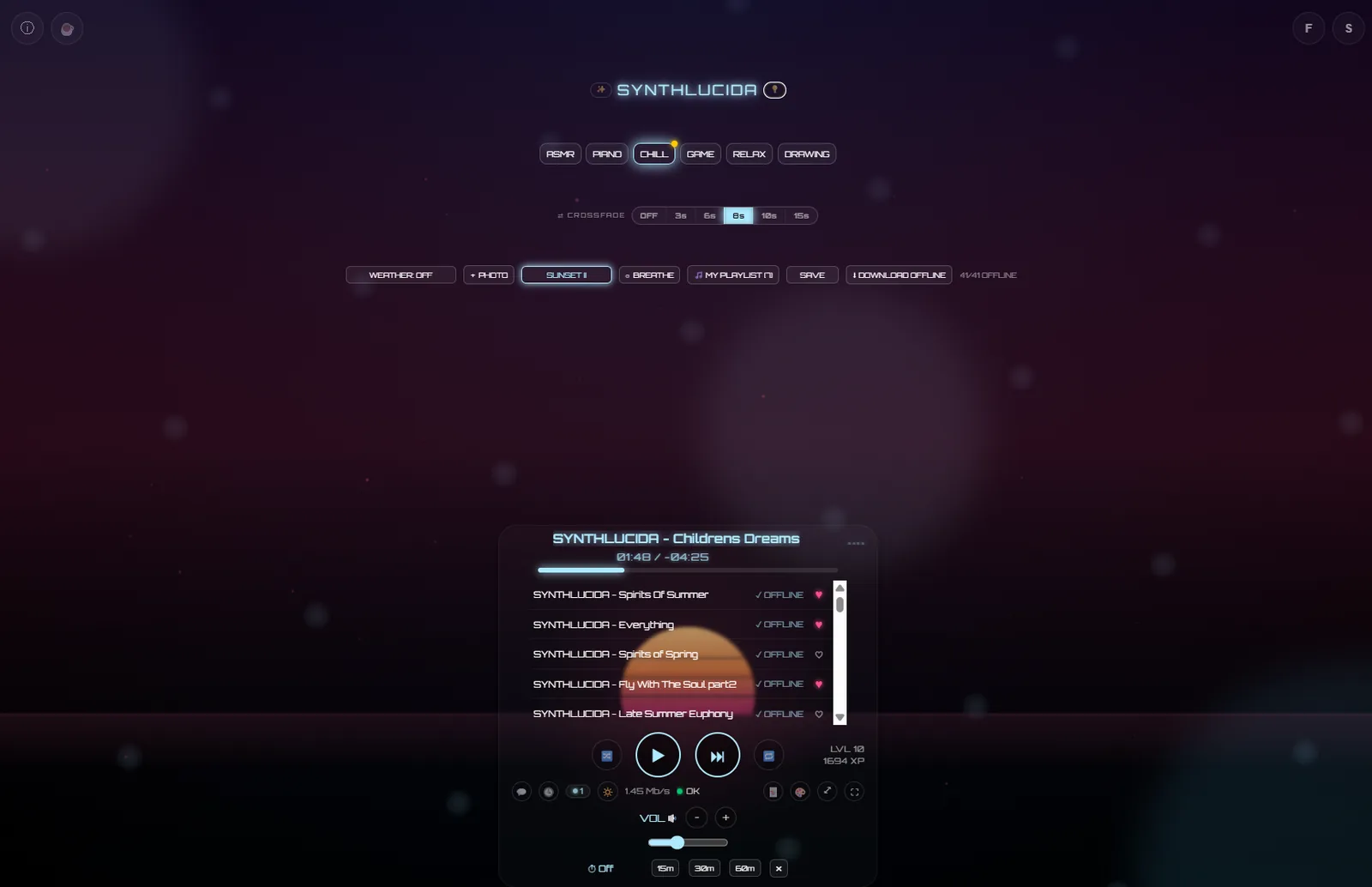
Alongside the 24/7 stream, RelaxPlayer bundles a few small tools for making the sound your own.
📂
Your own playlists
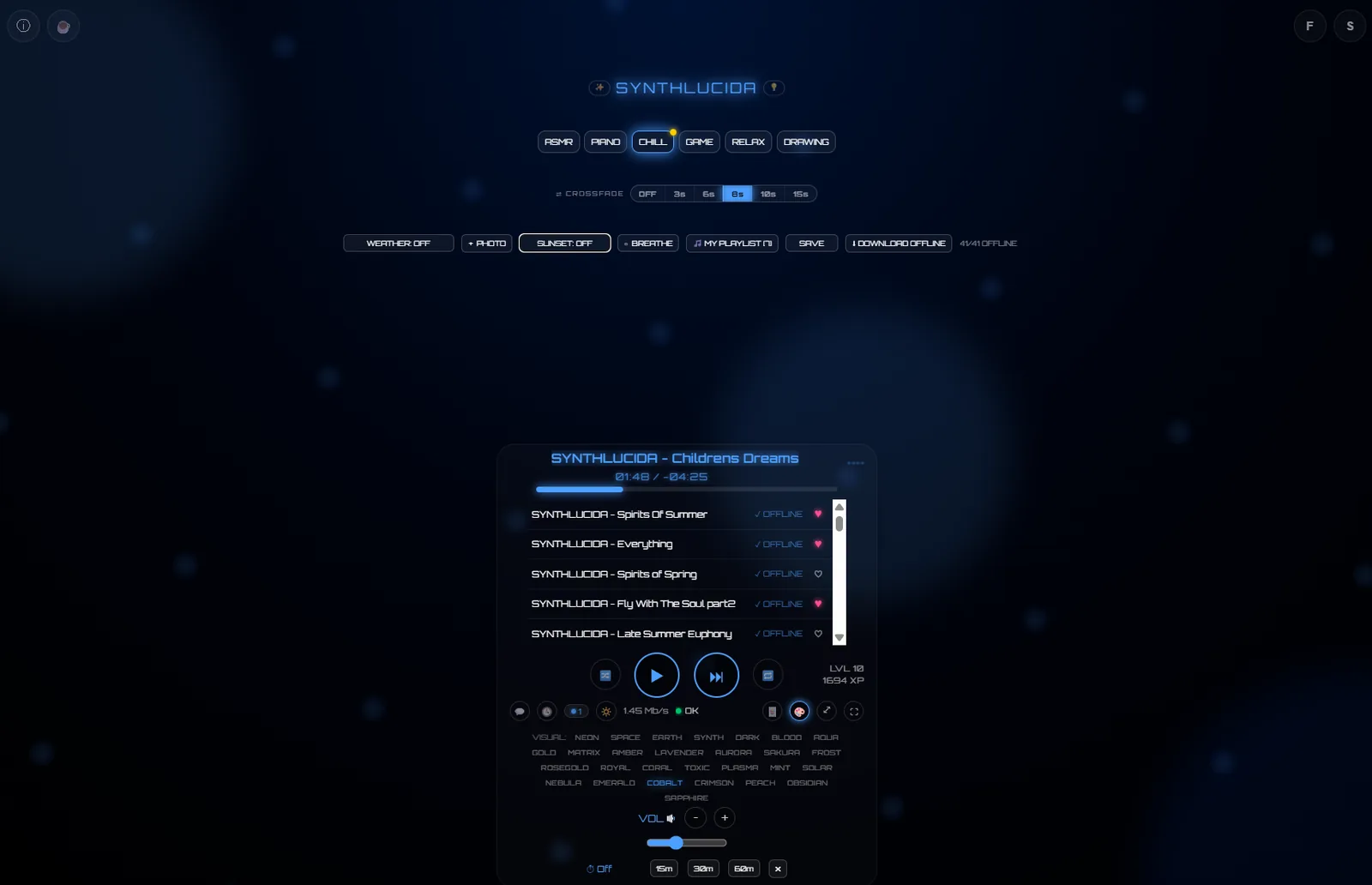
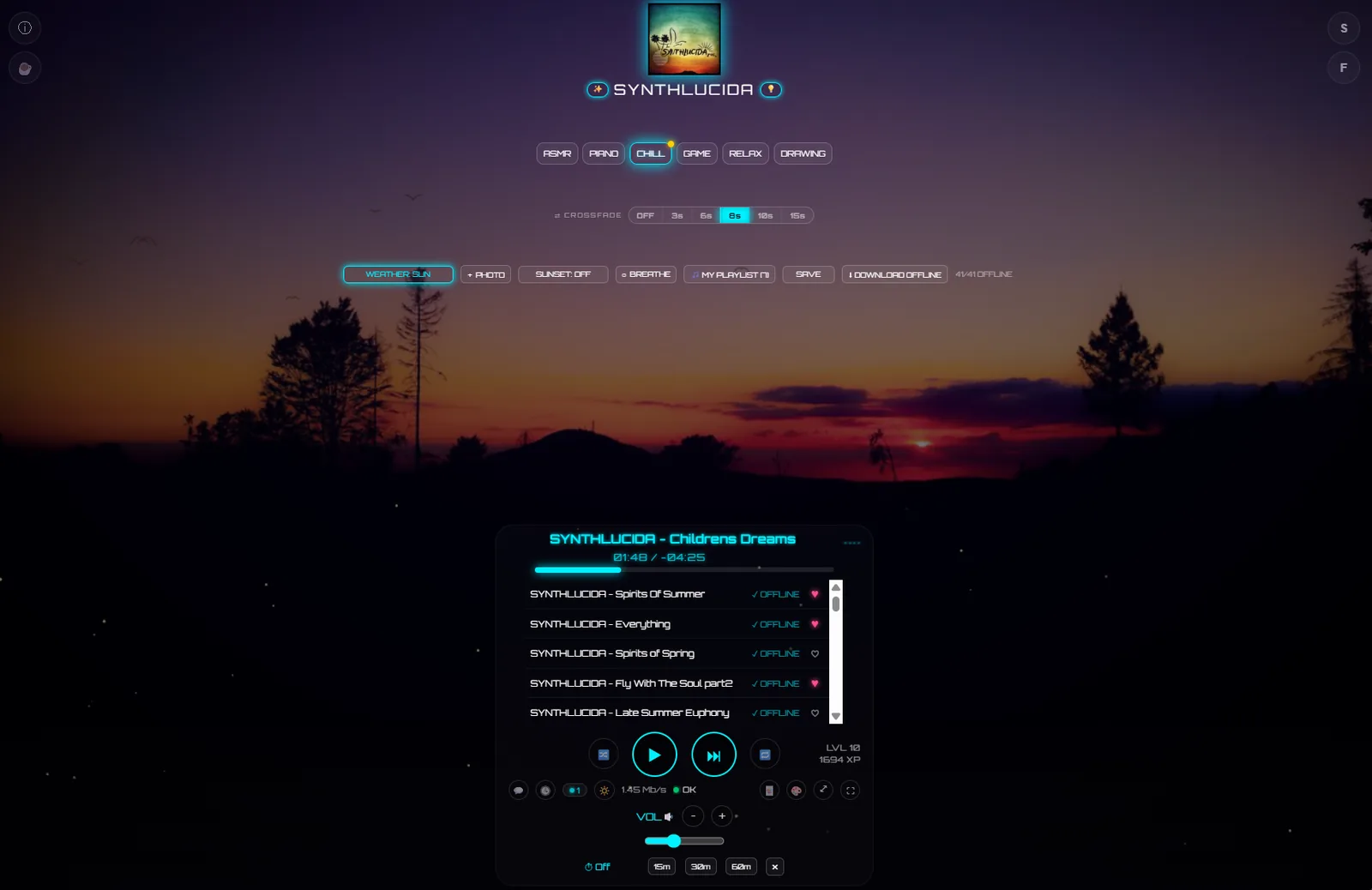
Upload your own audio files and mix them with RelaxPlayer tracks into personal playlists you can come back to any time.
⬇️
Offline download
Download the current playlist to your device and keep listening even without an internet connection.
🎧
Layer ASMR sounds
In the ASMR playlist, tap the layers button and pick a second ASMR track: it plays together with the first one on a loop, and its own volume knob lets you set the balance between the two. It works in MY PLAYLIST and in your own playlists too, as long as they contain an ASMR track.
🌊
Binaural tones for deep rest
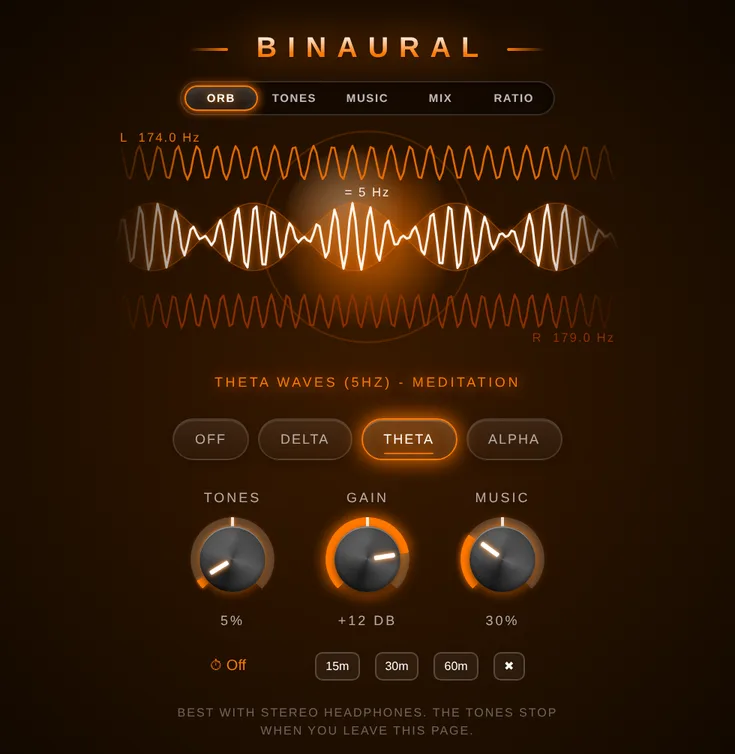
Open EXPLORE and then BINAURAL and choose a wave: DELTA (2 Hz) for deep rest, THETA (5 Hz) for meditation or ALPHA (9 Hz) for calm relaxation. Two slightly different pure tones, one in each ear, blend into a slow, gentle pulse, so you need stereo headphones. Separate knobs set the tones and the music, so you can lay a track over them, and the sleep timer fades everything out when you drift off. It is a relaxation aid, not a treatment.
🔍
Smart track search
Open EXPLORE and then SEARCH and type a word in English or Czech — rain, déšť, piano, moře — and matching tracks from ASMR, PIANO and CHILL appear as you type. Capital letters and accents don't matter, Czech words are matched to the English track names, and if nothing contains all your words you still get the closest matches. Tap a track to jump to it, or ▶ to play it right away.
🃏
Card of the day
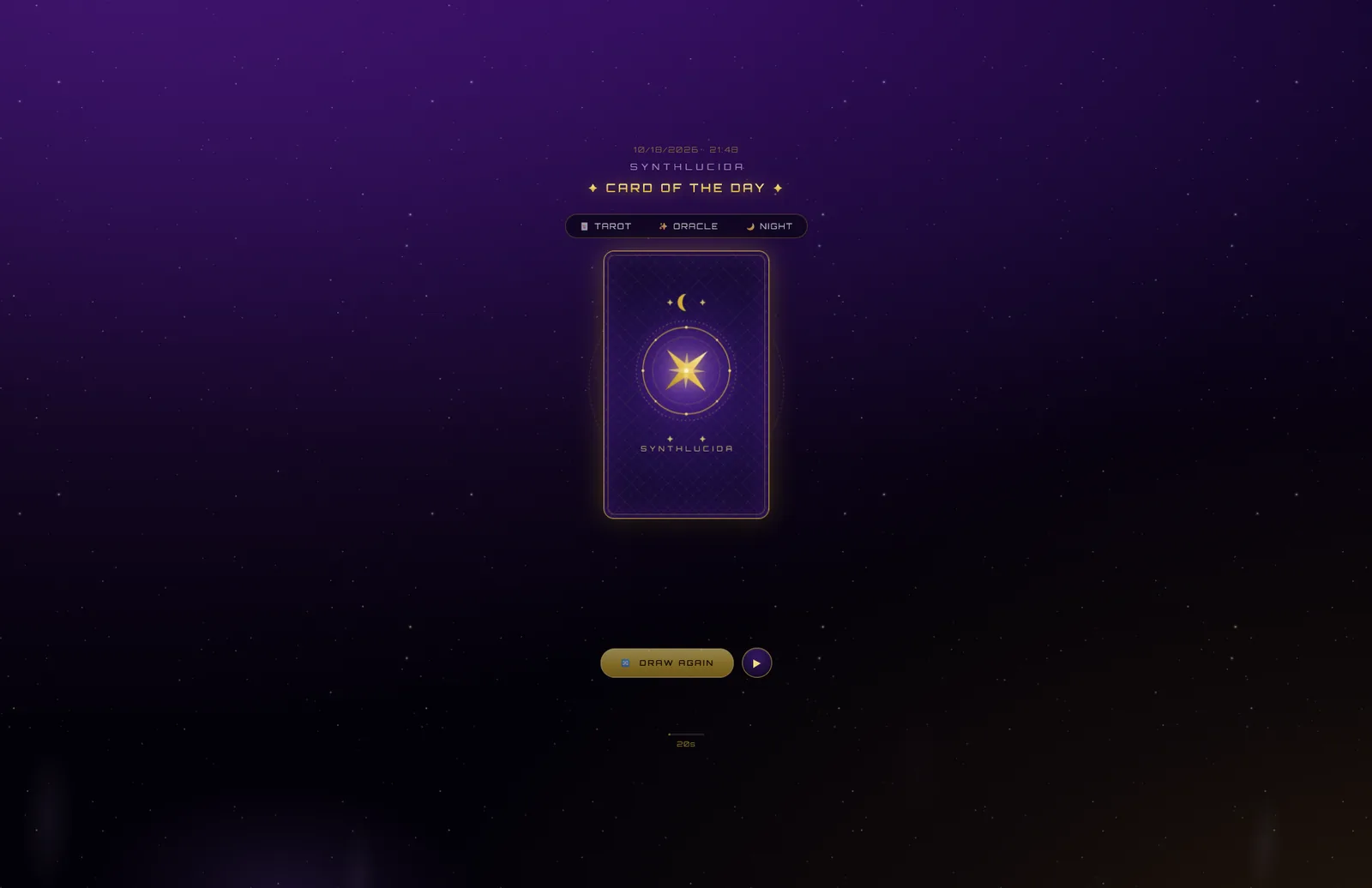
Draw a daily card from the classic 78-card Tarot, the Cosmic Whisper Oracle or the dark, dreamlike Night Tarot, and read its meaning — upright or reversed, in English and Czech — with a short reflection question. The app remembers your drawn cards in the browser for 60 minutes and includes a guide to the 3-card spread and the Celtic Cross. A pause for reflection, not fortune-telling; no account needed.
Tarot78Oracle24Night Tarot22
Learn more →
♈︎
Free horoscope
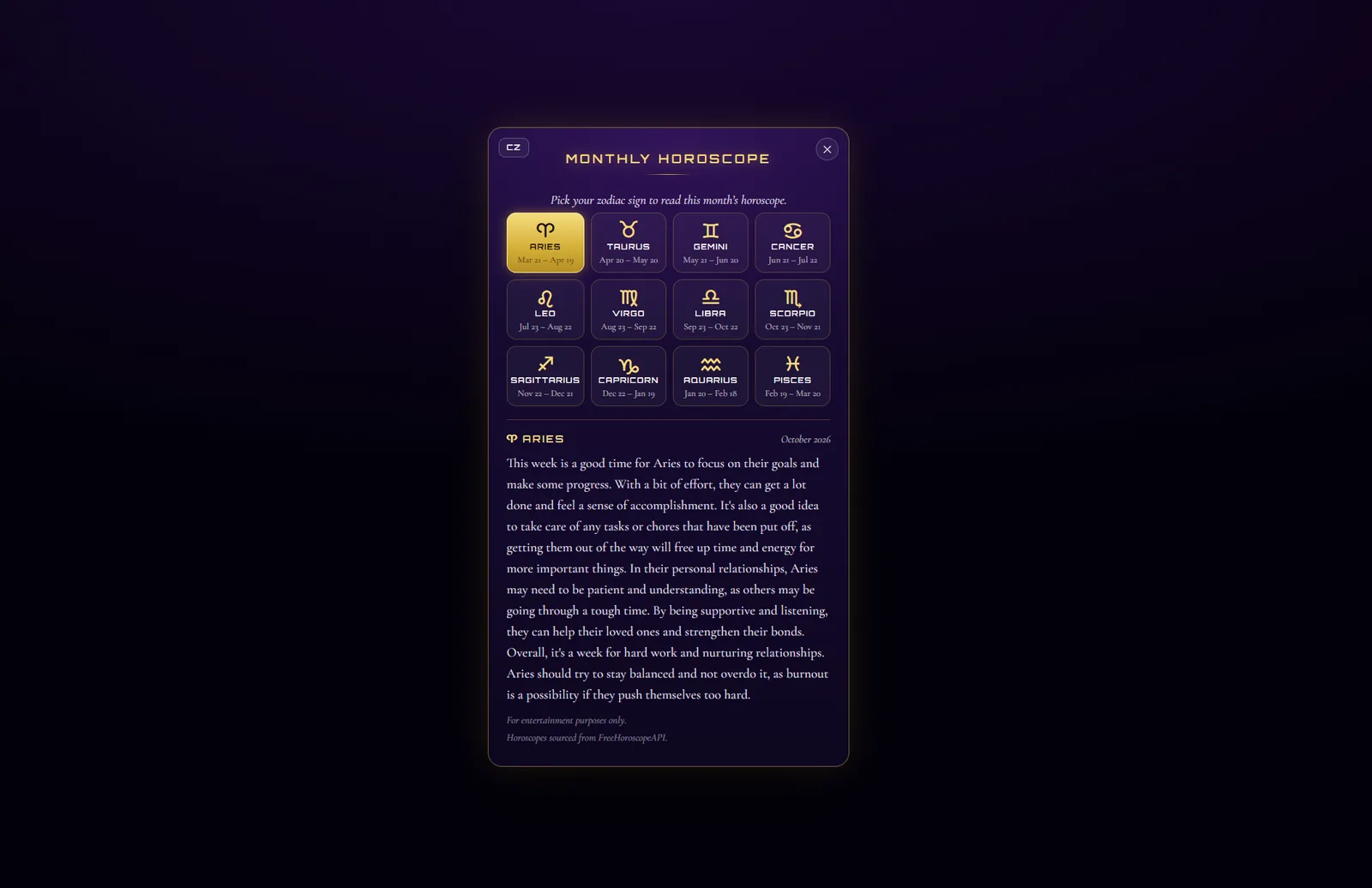
Pick your zodiac sign from all twelve and read a monthly forecast that updates automatically. It lives next to the card of the day and is meant as a gentle moment of reflection alongside the music — no sign-up, free.
♈︎♉︎♊︎♋︎♌︎♍︎♎︎♏︎♐︎♑︎♒︎♓︎
Learn more →
🫁
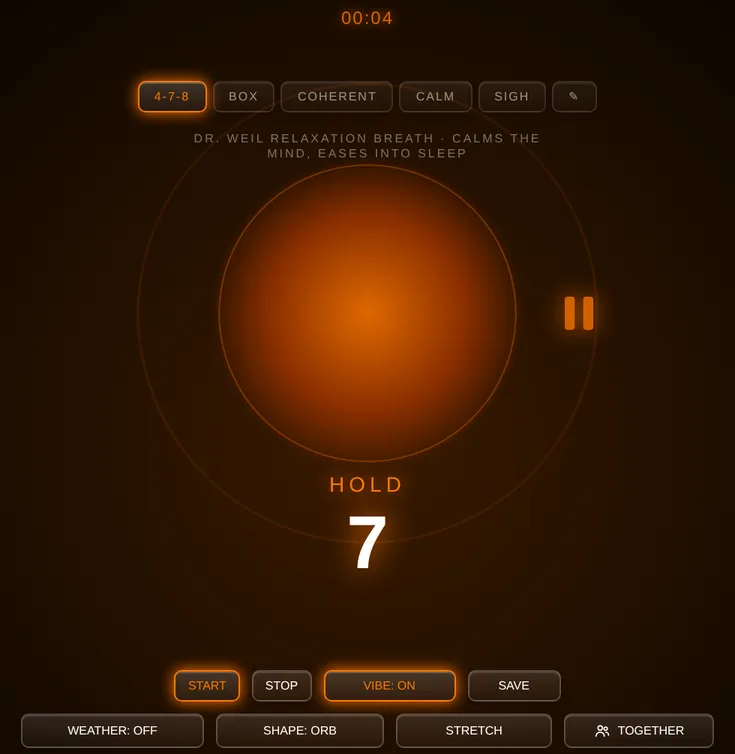
Guided breathing
Choose from five guided breathing techniques — 4-7-8, box, coherent, calm and sigh — with a pulsing visual guide to follow, or create your own. The ⓘ guide on the breathing screen shows each technique as an animated orb and a colour-coded bar of its inhale, hold and exhale lengths.
🎚️
Create your own breathing technique
Not happy with the presets? Build your own rhythm: set the inhale, the hold after inhaling, the exhale and the hold after exhaling in seconds (set a hold to 0 to skip it) and optionally give it a name. While you tune it you see the cycle length and breaths per minute. Save it and it starts right away and stays saved for next time.
🤸
Stretches
Open STRETCH on the breathing screen for five gentle moves that need no equipment — neck stretch, shoulder rolls, standing forward fold, shaking out hands and legs, and knees to chest. Each one comes with a simple illustration, how long to do it and what it eases, so you can release the tension stress leaves in your body and then return to your breath.
🤝
Breathe together
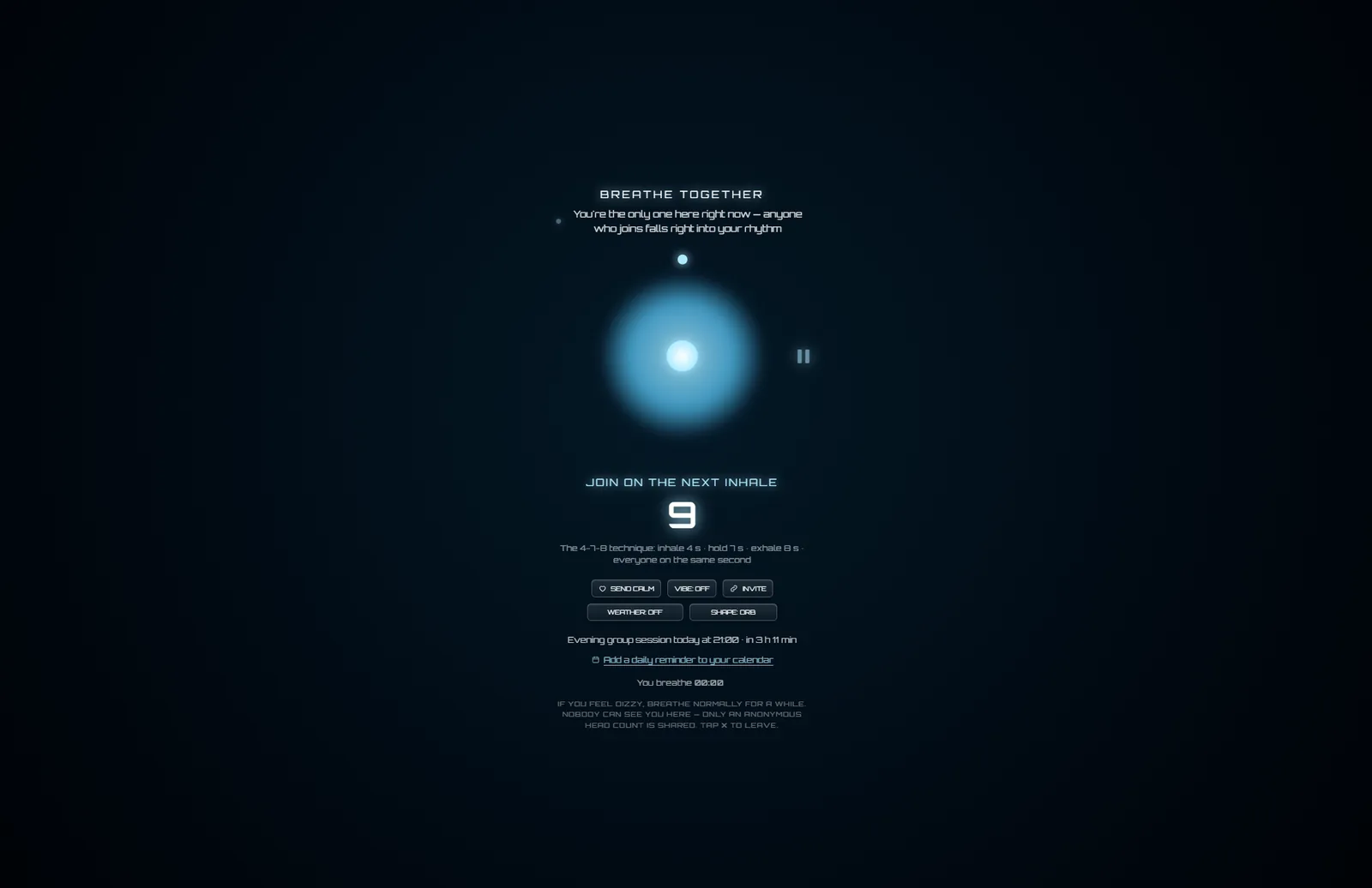
Open the TOGETHER room in the breathing section and breathe 4-7-8 in the very same second as everyone else who is there. If you are the first, you breathe on your own and whoever joins later snaps right into your rhythm. You see how many people are breathing with you, can send a heart (SEND CALM) or invite a friend, and only an anonymous headcount is ever shared. Every evening at 21:00 Prague time there is a shared 10-minute session, with a calendar reminder you can download.
🔔
Gentle reminders
Turn on local reminders that nudge you to pause and breathe every 15 minutes to 4 hours — nothing is ever sent to a server.
📈
Levels & progress
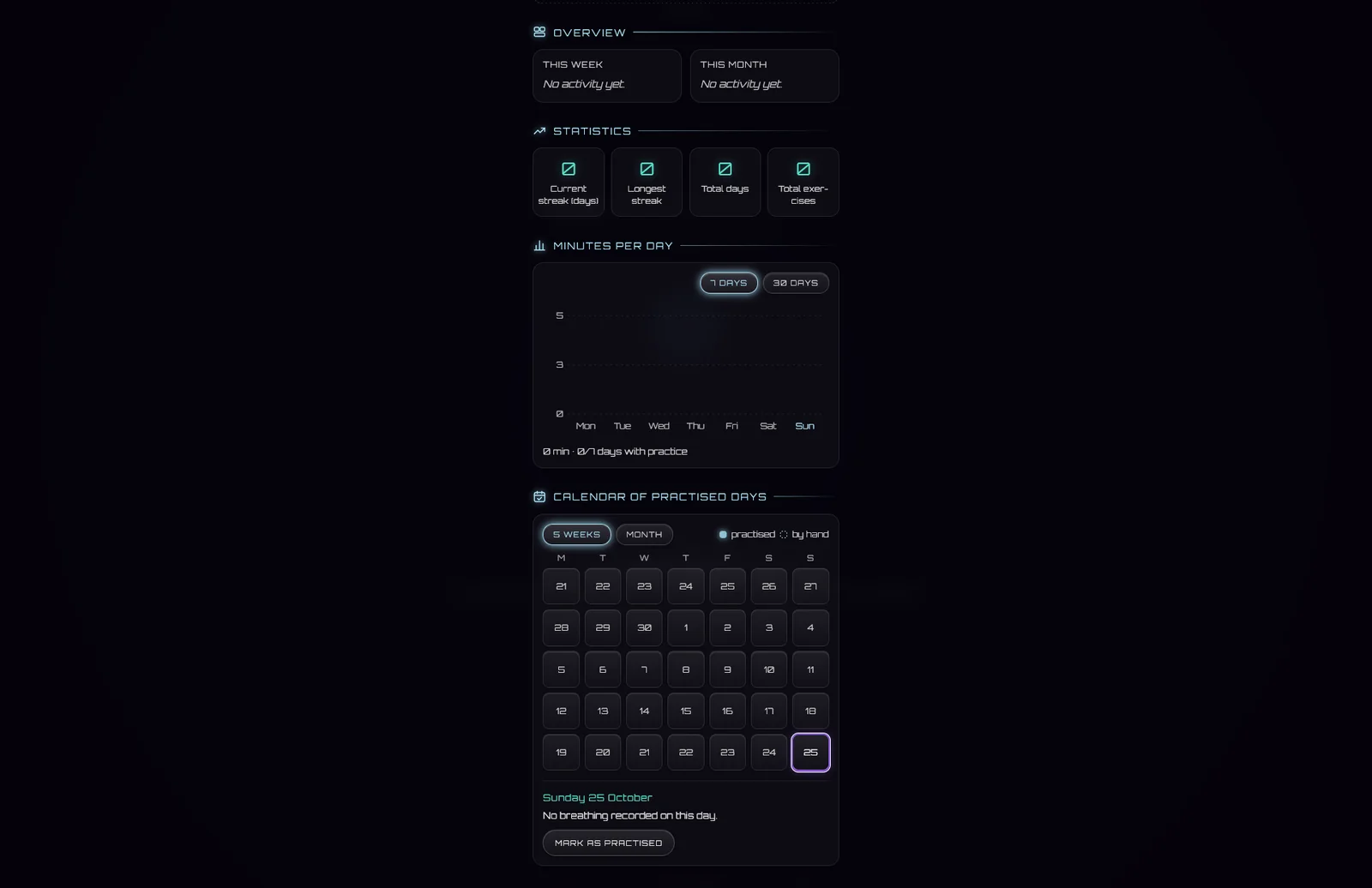
Build a simple listening streak that grows into levels and experience points, tracked entirely in your own browser.
💬
Community chat
Drop a few words into a light community chat and see reactions from other people listening right now.
🎮
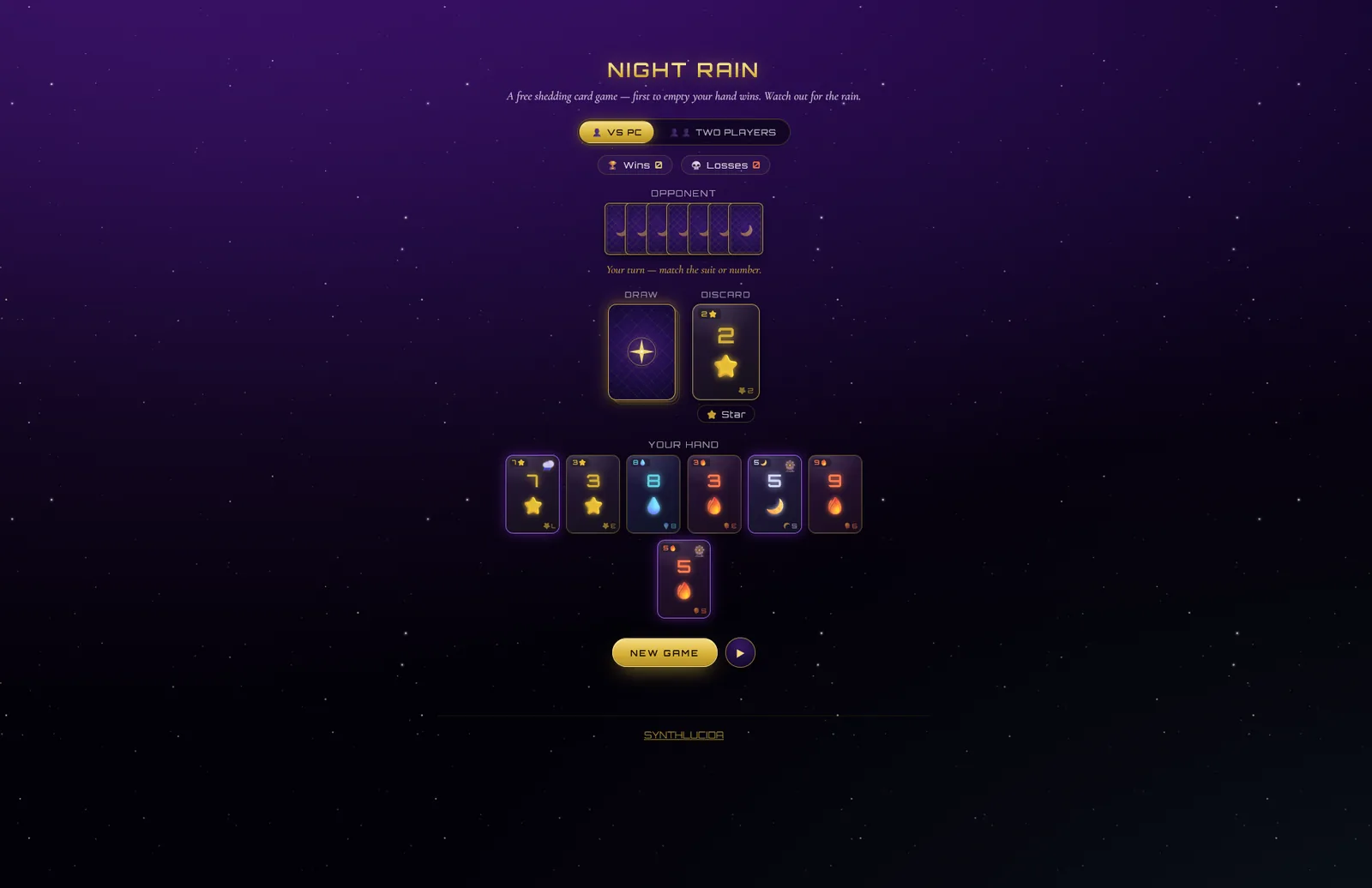
SYNTHLUCIDA BLOCKS that unlocks music
Clear lines in a full SYNTHLUCIDA BLOCKS game to permanently unlock ASMR, piano and chill tracks — every 20 lines earns a bonus round and a bomb charge that instantly clears rows. Progress and visual theme are saved in your browser.
🌌
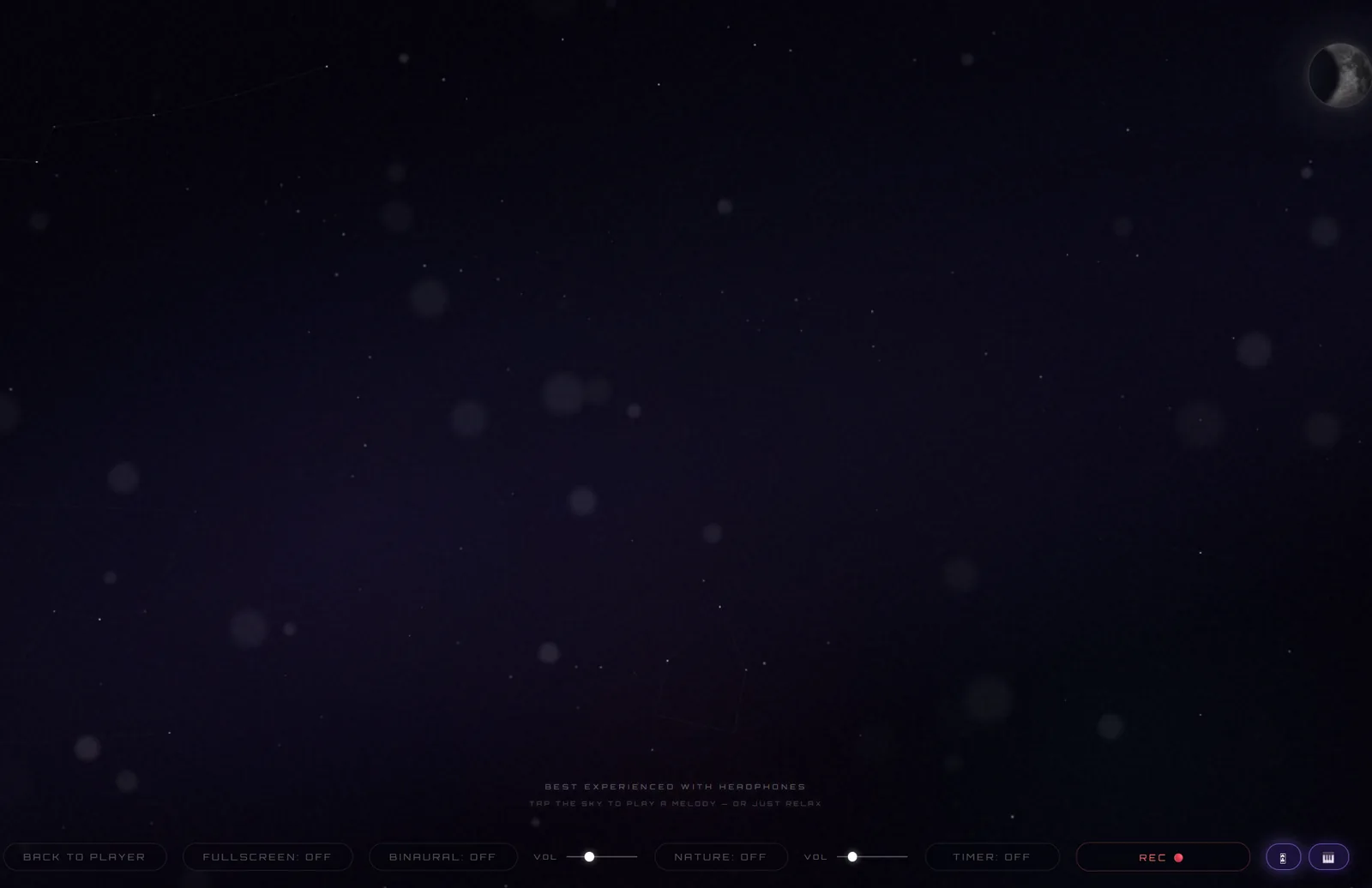
Interactive ambient night sky
Tap the night sky to play a generative synth, layer binaural waves and nature sounds, or build your own loops in a step sequencer. Set a sleep timer, record your session as a .wav file, and watch the sky shift with the real time of day and the actual moon phase.
🎨
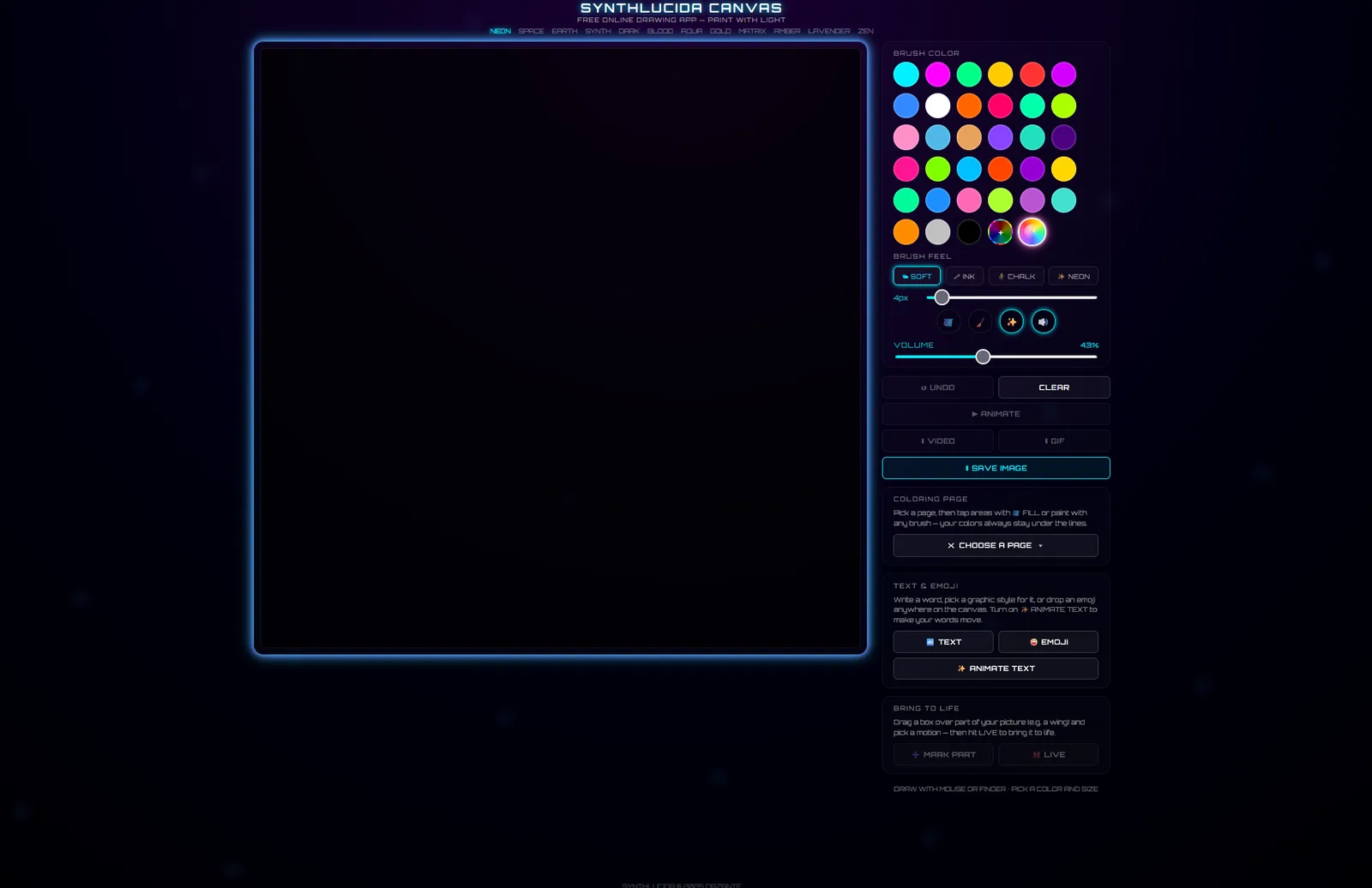
Drawing canvas that comes alive
Paint with different brush feels, fill in coloring pages like mandalas and butterflies, or add stylised text and emoji. A soft ambient tone follows your brush as you draw, and marking a part of your picture lets you animate it — a wing that flaps, a star that twinkles — then replay or export it as video or GIF.
🖥️
Windows desktop app
Prefer a native app over a browser tab? RelaxPlayer is also free on Windows — grab it from the Microsoft Store. Same stream, same themes, same playlists. Download your playlist once for offline listening, and it keeps playing with no internet connection needed afterwards.